TLDR: Pinball code updates can change programmed behavior: rules, scoring values, mode qualification, callouts, music cues, display scenes, light choreography, bug handling, and supported online functions. They cannot physically repair a switch, flipper, coil, trough, lamp, connector, or mechanism. Before updating, identify the exact machine and edition, compare its installed version with the official release, read all reset warnings, and follow the title-specific manufacturer instructions.
The practical question is not simply whether pinball code updates are available. It is whether a particular update addresses the behavior you want to change—and whether the symptom is actually software-related. A new rules package might correct a scoring condition or alter how a mode starts, but repeatedly reinstalling it will not clean a dirty opto, realign a switch, or restore power to a failed coil.
What pinball game code controls
Game code is the programmed layer that interprets physical inputs and decides what the machine should do next. When the ball closes a switch, the software determines whether that input advances a mode, awards points, starts an animation, plays a callout, changes the lamps, or fires an appropriate device.
That distinction matters: the switch and wiring produce an input, while the code interprets it. Likewise, the software can command a coil to fire, but the coil, driver circuitry, connectors, power supply, and mechanism must all be capable of carrying out that command.
On a deep modern game, code may coordinate many overlapping systems:
- Rules and shot-sequence logic
- Mode, multiball, and wizard-mode qualification
- Scoring values, multipliers, bonuses, and award limits
- Ball-save, extra-ball, and lock behavior
- Callouts, music, sound effects, and video clips
- Insert lamps, general illumination effects, and synchronized light shows
- Display instructions, status information, and player prompts
- Error handling, audits, settings, and diagnostics
- Supported profiles, achievements, leaderboards, or other connected functions
This programmed depth is why a machine can feel materially different after a substantial update even though no playfield hardware changed. It is also why code maturity matters when comparing games built around long-term rules exploration; the site's guide to pinball machines with broad code and rules depth looks at that ownership consideration.
What pinball code updates may change
An update may expand unfinished areas of a ruleset, correct unintended behavior, rebalance an award, add audiovisual material, or improve stability. It can also change how the game reacts to a valid physical input. For example, software could require three completed shots instead of four to qualify a mode, change the points attached to those shots, or replace the callout that confirms completion.
Possible changes include new modes, revised shot logic, different timers, adjusted jackpots, new display scenes, additional callouts, lighting refinements, tournament-setting changes, and fixes for conditions that caused a rule to stall. These are categories of changes that game software can support, not a claim that every update contains all of them.
Rule changes can also make an existing guide version-sensitive. A strategy article such as the Harry Potter pinball rules guide may accurately describe one code release while later software changes qualification or scoring details. Owners using rulesheets should therefore compare the guide's date or stated version with the code installed on the machine.
Bug fixes do not automatically mean hardware fixes
The word “fix” causes understandable confusion. A software bug fix corrects programmed behavior. A hardware repair restores a physical or electrical component. Some symptoms can arise from either side, so the symptom alone is not always enough for a diagnosis.
| Symptom | Software could be involved when… | Hardware should be investigated when… |
|---|---|---|
| A shot does not register | The switch appears reliably in diagnostics, but the game state ignores or mishandles the valid input | The switch is absent or intermittent in diagnostics, physically misadjusted, obstructed, disconnected, or damaged |
| A flipper feels weak | A title-specific release note documents an applicable control problem | The weakness is consistent and points toward a coil, sleeve, linkage, switch, connector, voltage, or adjustment issue |
| The trough miscounts balls | The switches report correctly, but the programmed ball state becomes confused in a reproducible sequence | A ball sticks, an opto or switch misses, wiring is unreliable, or a mechanism does not move correctly |
| Lighting is wrong | The lamps work in tests, but a specific show or game state calls them incorrectly | Individual lamps, boards, connectors, wiring, or power are failing |
| The game resets or will not boot | The manufacturer documents a matching software defect or corrupted installation | Power, connectors, storage, boards, or another electrical fault may be contributing |
This table is a triage framework, not a remote diagnosis. A failed switch input can make otherwise correct code appear broken. Conversely, a device that works consistently in a diagnostic test can still expose a game-state bug under a precise sequence of play.
Dated manufacturer examples show why the exact package matters
Manufacturer support pages should be treated as title- and version-specific documentation. A Stern statement dated July 7, 2026 says the company posted code updates across 34 games and continued software and bug-fix development. That statement does not mean every Stern title or edition uses the same package.
Stern's Jurassic Park Pro game-code support page lists version 1.16.0 with a read-me dated July 1, 2026. The supplied page evidence confirms the version and date but not the detailed change list, so it would be irresponsible to assign particular rules, scoring, or audiovisual changes to 1.16.0 without reading the complete release notes. Stern also characterizes these downloads as authorized updates and warns that unauthorized software or content may affect machine functionality or network access; that is the manufacturer's policy statement.
Jersey Jack Pinball's Sonic Special Edition support page lists a Full Install 0.930 package, a separate 0.930 changelog, a rules flowchart, and a manual dated July 2026. It describes that package as a full or factory installation and warns that settings and high scores may return to factory defaults. The page also indicates that operating-system changes can require this more extensive installation. A full install should therefore not be treated as interchangeable with a routine incremental update.
American Pinball's June 2024 Barry O's BBQ Challenge manual gives another useful model-specific example: it tells the owner to compare the version displayed in the game's status area with the official current release before following the manufacturer's USB procedure. The same manual warns that opening the coin door exposes high-voltage components and directs service work to trained professionals.
How to prepare for an update safely
There is no responsible universal walkthrough for updating every modern pinball machine. Manufacturers differ in file structure, USB-media requirements, menu paths, online delivery, power-state instructions, and reset behavior. Use this preparation checklist, then switch to the official manual or release instructions for the actual installation:
- Identify the complete machine title, manufacturer, edition, and relevant hardware variation. Do not assume Pro, Premium, LE, home, arcade, or special editions share a download.
- Find the installed version through the title's documented status screen, service menu, boot display, or diagnostics. Use the method specified in the manual.
- Download only the package designated for that exact machine from the manufacturer's official support channel.
- Read the release notes and installation document before copying files or changing anything. Look specifically for factory-reset, high-score, adjustment, network, and operating-system warnings.
- Record important custom adjustments, pricing settings, high scores, network configuration, or tournament settings if the documentation says they may be cleared.
- Follow the manufacturer's instructions for media formatting, file placement, insertion, power state, and confirmation screens. Do not substitute a procedure remembered from another title.
- Allow the process to finish. Do not interrupt power unless the official recovery instructions explicitly tell you to do so.
- Afterward, confirm the displayed version and test ordinary gameplay before changing several other settings at once.
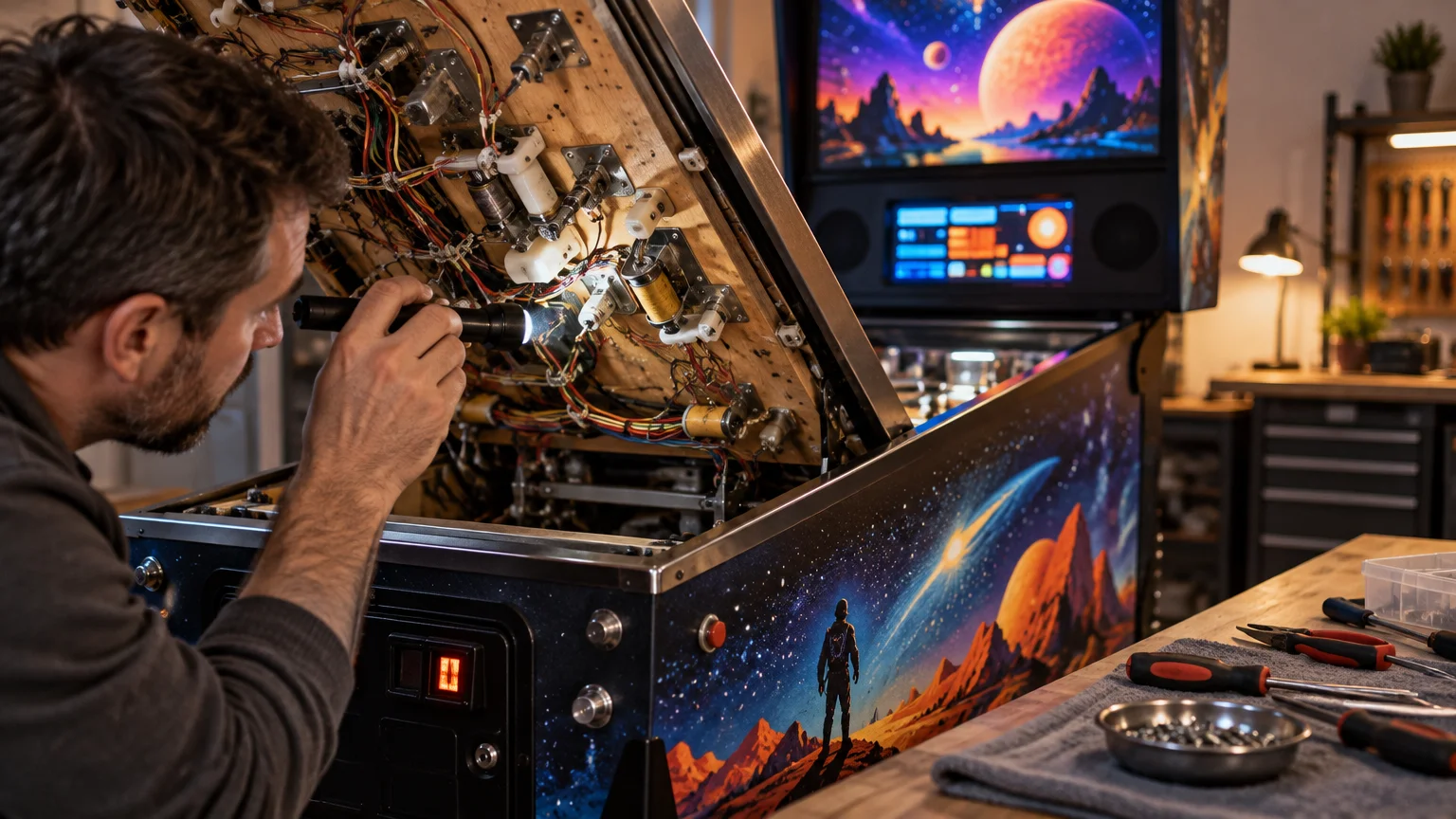
If the instructions require access near exposed electrical assemblies, stop at the boundary set by the manual and your skill level. Powering the game off does not automatically make every internal area safe, and an update is not a good reason to improvise around high-voltage hardware.
Should you install every new release immediately?
Not necessarily. An update is usually compelling when it fixes a problem you have, completes or improves rules you value, adds a supported feature you plan to use, or is required for a manufacturer service. Waiting can be reasonable when the machine is needed for an imminent event, the release requires a factory reinstall, settings may be lost, or you have not yet reviewed edition compatibility.
For a home machine, a sensible decision framework is simple: read what changes, identify what resets, confirm compatibility, and decide whether the benefit outweighs the installation and reconfiguration effort. For a public or tournament machine, stable operation and consistent settings may justify a planned maintenance window rather than an immediate update.
What to do when a problem begins after updating
Timing is evidence, but it is not proof. If a problem appears immediately after an update, first document the installed version and the exact sequence that produces the symptom. Note whether it occurs in normal play, diagnostics, or both.
- Confirm that the machine reports the expected new version.
- Review the official release notes for known issues, reset requirements, or changed behavior.
- Check whether custom adjustments returned to defaults.
- Test the relevant switch, lamp, sound, or mechanism using only the machine's documented diagnostics.
- Determine whether the symptom is reproducible from the same game state.
- Use the manufacturer's documented recovery or reinstall procedure only if it applies to that package.
- If the device fails or behaves intermittently in diagnostics, move toward hardware diagnosis instead of repeatedly reinstalling code.
When seeking repair help, provide the machine title and edition, installed version, symptom, when it began, whether it is reproducible, and any clear photos or video. Rock Custom Pinball's repair guidance similarly asks owners to document the title, symptoms, timing, and visual evidence; its stated diagnostic scope includes switch, trough, lighting, sound, boot, reset, coil, and flipper problems. That service information does not establish that the company installs game code, so ask about the actual symptom and required work rather than assuming software installation is included.
The useful dividing line: command versus condition
A pinball update can change the command: what should score, illuminate, play, start, stop, or connect after a valid event. It cannot restore the physical condition required to carry out that command. When a problem persists, ask two separate questions: Is the machine detecting the event correctly, and is the programmed response correct for this version?
Your next step is to record the exact title, edition, installed version, and symptom. Compare those details with the official release notes. If the release addresses the behavior, follow its documented installation process. If a switch, coil, flipper, trough, light, or mechanism remains unreliable in diagnostics, stop treating the update as a repair and move to physical troubleshooting or qualified service.
1 thought on “Pinball Code Updates Explained: What New Software Can and Cannot Change”